

Denim speaks your style, your language.
Shop the new collection in your language and your currency, wherever you are.
See the app in actionShop new denim
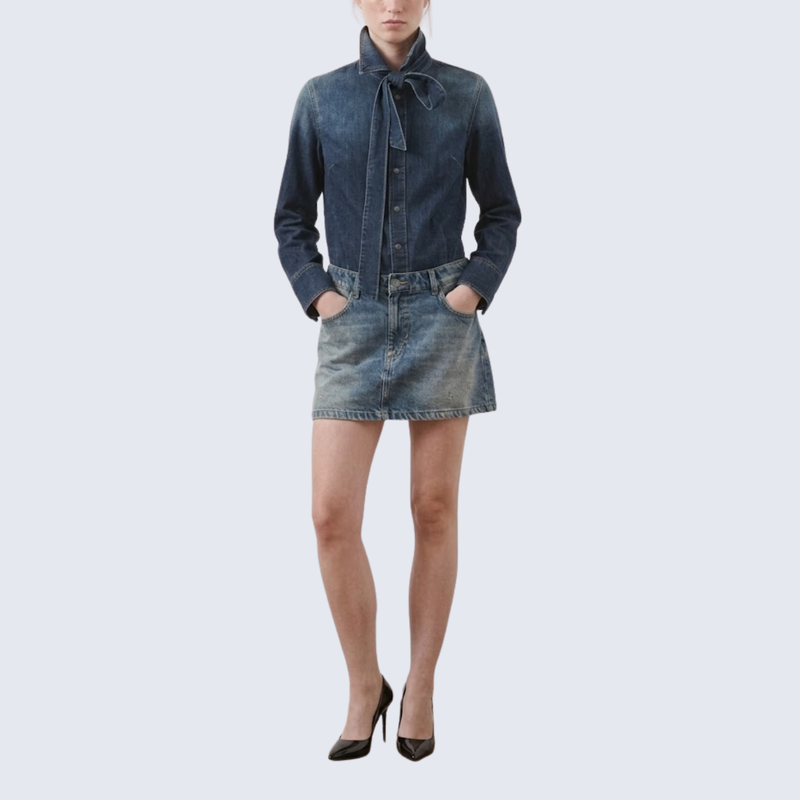
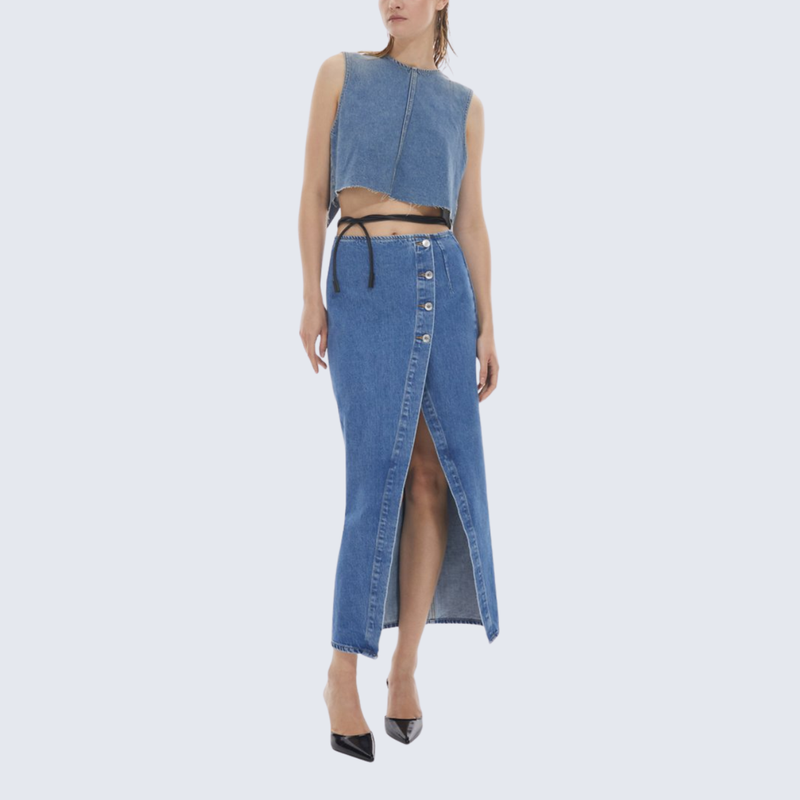

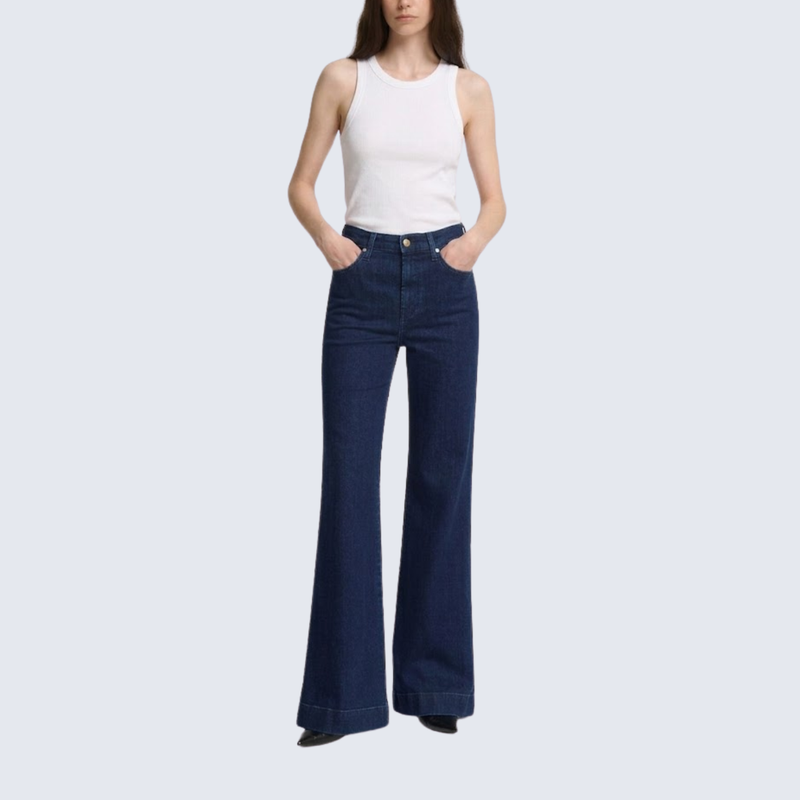
Everything on the page, translated naturally and priced for every visitor


Place it anywhere.
Style it to match.
Header, floating corner or footer. Match its colors and shape to your theme.
Powered by OpenAI GPT, which reads the whole sentence, so your products and pages sound natural, not translated word for word.
New products, collections and pages are translated automatically as soon as you add them.
Brand and product names stay exactly as you wrote them, in every language.
Change any translated word yourself. Your edit stays, even after re-translating.
Switch apps without starting over. Bring your translations from Shopify Translate & Adapt, Transcy, T-Lab or another app, seamlessly.
Arabic, Hebrew and other right-to-left languages flip the layout automatically.
Suggests what to do next, like publishing a language for a growing market or translating meta titles.
Translated URLs, meta titles, descriptions and alt text, so every language shows up in search.
Live demo Switcher stylesPick a template, then choose what the language and currency switcher shows and where.
Live demoPrices follow the market rate across 163+ currencies, with no manual refresh needed.
Converted prices land on clean, local-looking numbers instead of odd decimals.
The right language, currency and offer, the moment they arrive




Fix broken links, route by country,
block what you don't serve
Automatic 404 redirects
Redirect by country
Country & IP blocker
We don't ship to your region yet
This store isn't available where you are.
See the blocked page →Questions, answered
Can I start with just one international market?
Yes. Start with the language and currency relevant to your first target market, then expand as your business grows. Use this demo’s switcher to explore the shopping experience.
Do I need a developer to set things up?
No coding is required. Set up your languages, translate your content, and customize the storefront switcher through the app.
Will I need to translate every new product myself?
With automatic translation enabled, Transtore can translate new products, collections, and pages as you add them, helping you spend less time on ongoing updates.
Can my store look professional in another language?
Transtore translates content within your existing storefront design. Explore this demo’s product pages and reviews in another language, and try switcher styles that match your brand.
Is Transtore a good fit if my current app is getting too expensive?
Use this demo to check the features your store relies on, then compare Transtore’s current plans with your existing costs. Consider your languages, translation needs, and currency features to choose the right fit.
Can I test Transtore before changing anything on my store?
Yes. This demo lets you explore translated content, local currencies, switcher styles, and multilingual SEO without installing anything on your own store.
Can Transtore handle more than product descriptions?
Yes. It supports collections, pages, theme text, and supported third-party app content, alongside multilingual SEO. Explore different pages in this demo to see the translation coverage.
Can I keep control over terminology and brand voice?
Yes. Use a glossary for consistent terminology and manually edit translations to match your brand’s voice.
What should I check before switching from my current app?
Review your existing translations, language URLs, SEO setup, and switcher configuration. Contact us at support@transtore.app to discuss your setup before removing your current app.
